
Linux
The Long View on Linux
The same app as on Windows and Mac, running natively on your Linux desktop.
Install it
Snap Store: open The Long View on the Snap Store and install it, or install it from a terminal. The Snap Store keeps it up to date.
sudo snap install the-long-viewAny distribution: download the AppImage, make it executable, and open it. Nothing is installed system wide.
chmod +x The-Long-View-x86_64.AppImage
./The-Long-View-x86_64.AppImage
Debian and Ubuntu: download the deb and open it, or install it from a terminal.
sudo apt install ./the-long-view_amd64.deb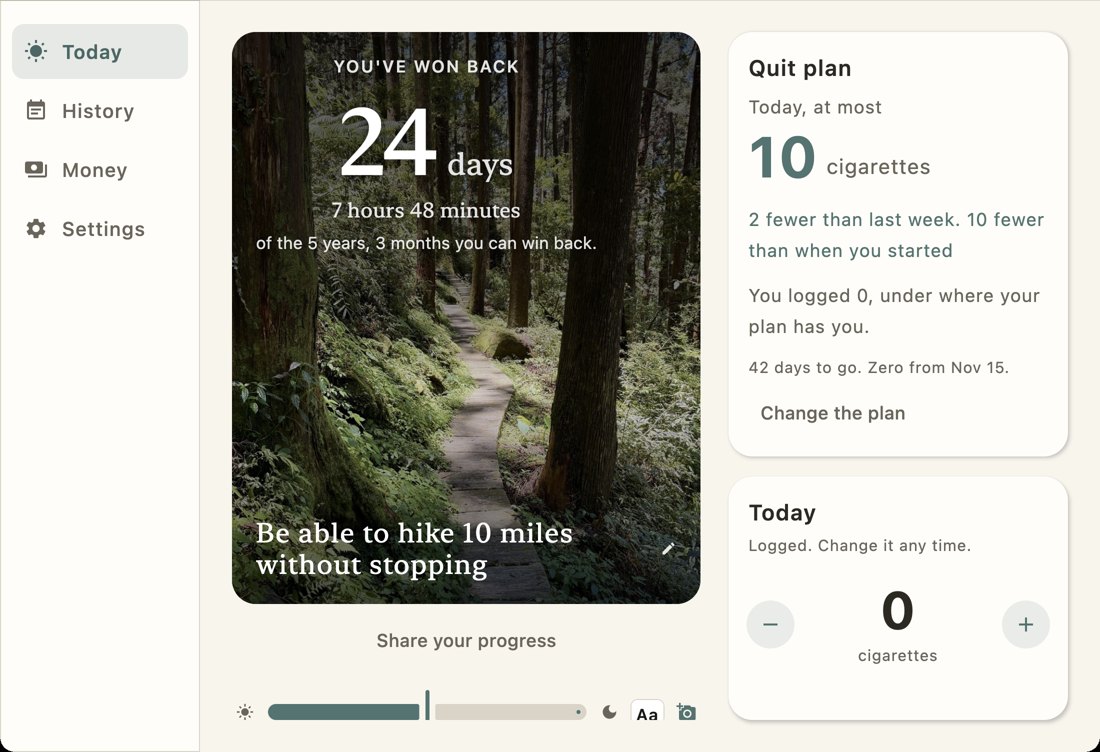
What works on Linux
- Your forecast, daily check-ins and your whole history, free.
- The daily reminder, through your desktop's own notifications. GNOME, KDE and most others show it.
- The small window that floats above your other work.
- Sign in with Apple, Google or Microsoft, or with your email and a code, to carry Premium over from your phone.
- Premium checkout opens in your browser.
- Updates from inside the app. When a new version is out, the AppImage offers the update, and Install now puts the new version in place and reopens the app. The deb takes the newer deb from this site.
What is different
Windows has widgets on its widgets board; Linux desktops have no shared equivalent, so the small window does that job. On a desktop with a system tray, closing the window keeps the app in the tray so the reminder can still come; without a tray, closing the window quits the app.
Where your data lives
On your own computer, in ~/.local/share/TheLongView. Nothing you log leaves
your computer unless you turn on sync.